

Disclosure: This article contains affiliate links. If you sign up through a link on this page, this site may earn a commission at no extra cost to you.
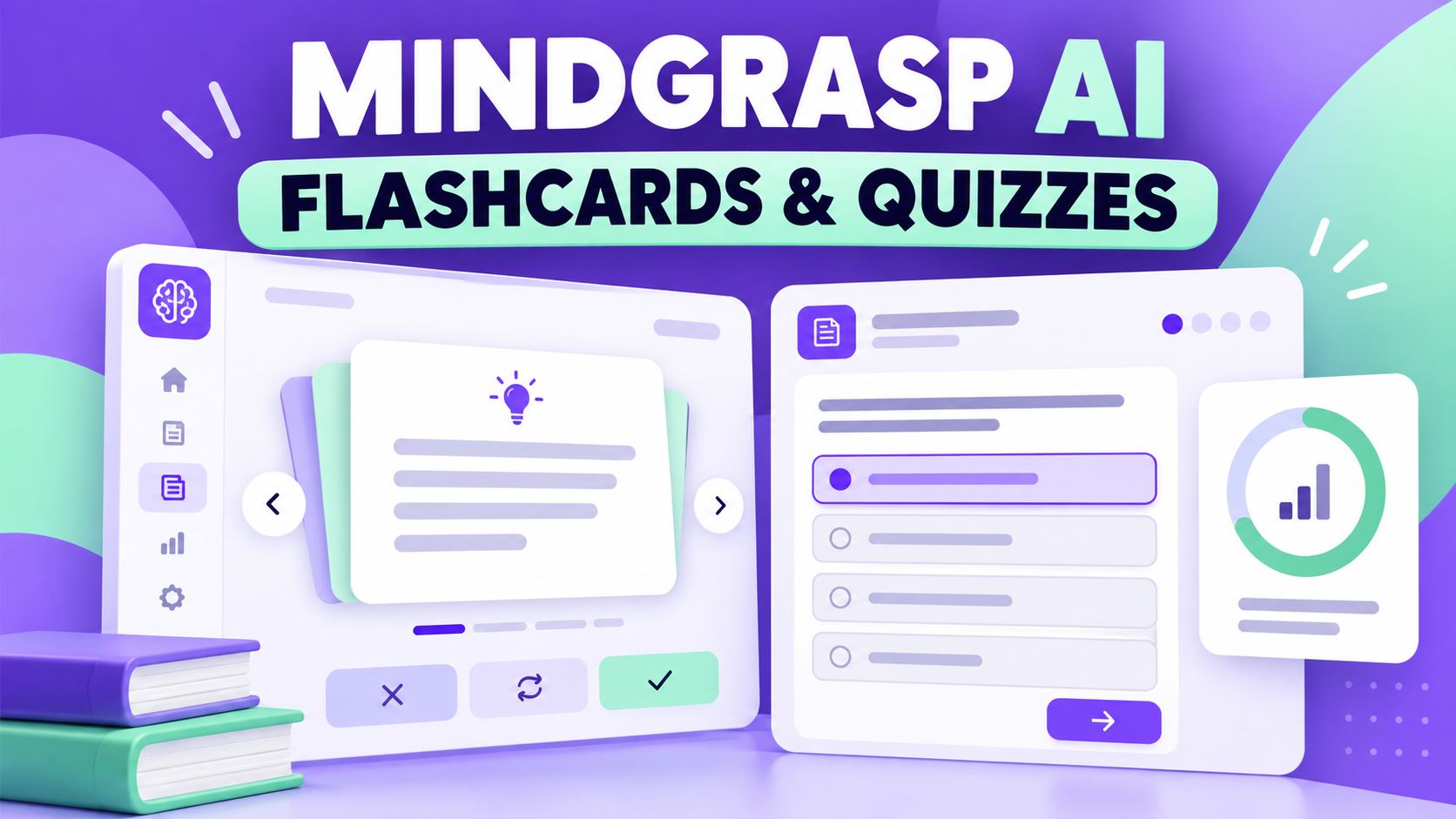
Creating a useful revision system is usually more difficult than reading the source material. A lecture deck, textbook chapter, recorded class, or PDF may contain the information you need, but turning it into questions you can actually practise takes time. This Mindgrasp AI Flashcards & Quizzes review looks at the practice side of the platform: using your own material to generate flashcards, self-tests, and a clearer route from first read to active recall.
It is one part of our wider Mindgrasp AI review and buyer guide. If your priority is condensing a long source before you start practising, see our Mindgrasp document summarizer review as well.
What Mindgrasp flashcards and quizzes are designed to do
Mindgrasp positions its flashcard maker and quiz maker as study tools built from your materials rather than generic public decks. The starting point can be a document, lecture slides, notes, text, a link, or supported media. The important idea is practical: you upload the same source you are expected to learn, then use it to create review aids without manually copying every definition into a separate app.
Flashcards suit fast, repeated recall of terms, dates, formulas, steps, and cause-and-effect relationships. Quizzes add another layer: instead of recognising an answer on a card, you have to choose or formulate one. Used together, the workflow is more useful than treating either format as a magic shortcut. Read and understand the source first; use cards to retrieve the essentials; then use a quiz to discover whether you can apply them.
Mindgrasp says its wider study workspace connects uploaded course material with notes, summaries, flashcards, quizzes, practice tests, and an AI tutor. That connection can reduce duplicate setup. A student can summarize a dense reading, use the summary as a map, make cards for the terminology, then run a quiz from the same study session instead of moving content between several unrelated tools.
How the flashcard workflow works
A sensible workflow begins with a focused source. Uploading an entire semester of unstructured files may generate broad material, but it will not automatically reflect what an instructor will test. Start with one chapter, lecture, or topic. Give the source a quick quality check: are pages readable, slides in order, and key diagrams or equations represented clearly? AI-generated study aids can only be as dependable as the source they are given.
- Choose one concrete study goal. For example, learn the vocabulary of a biology unit, distinguish legal concepts, or recall the stages in a process.
- Upload or add the relevant material. Use the original notes, PDF, slides, or supported link rather than a vague summary from memory.
- Generate flashcards. Scan the cards before studying them. Look for missing qualifications, ambiguous prompts, and answers that are too long to recall cleanly.
- Edit your study plan, not your expectations. Keep useful cards, revisit weak topics in the original material, and make a short list of items requiring instructor clarification.
- Return for spaced review. Several shorter recall sessions are generally more valuable than a single long session the night before an exam.
The strongest cards ask one answerable question and avoid hiding several ideas in one prompt. “What is the definition of X?” works better than a card containing a full paragraph with four facts to memorise. For problem-based subjects, use cards for rules, symbols, and decision steps, then practise full problems separately. Flashcards can support reasoning, but they do not replace doing the reasoning.
What the quiz feature adds
Mindgrasp’s quiz maker is intended to turn notes, PDFs, slides, textbooks, and similar class materials into interactive practice. Depending on the generated quiz, question formats can include multiple-choice, true/false, and short-answer prompts. The meaningful benefit is not the score by itself. It is the feedback loop: identify a weak answer, go back to the original source, clarify the idea, and test it again later.
This makes quizzes especially useful after you have created a baseline understanding. A short quiz at the end of a study block can reveal whether you merely recognised the material while reading or can retrieve it without the page in front of you. For an upcoming exam, split practice by topic: one quiz for concepts, one for procedures, and one mixed review. That structure makes it easier to see where time should go next.
Generated questions should never be accepted blindly. AI can phrase an item unclearly, overemphasize a minor point, or miss an exception contained in a chart or image. Compare the question and answer with your course material. If the answer is uncertain, do not memorise it just because it appeared in a quiz. Treat the original source, official course guidance, and your instructor as the authority.
A practical study routine with both tools
For a typical chapter, begin by reading or watching the lesson with enough attention to understand the main argument. Next, create a concise summary or outline. Generate a small set of flashcards for definitions, examples, formulas, and steps. Review those cards once, then take a quiz without opening the notes. Mark the questions you miss—not as a failure, but as a list of topics to revisit.
On the following day, repeat the cards for the missed concepts and take a shorter mixed quiz. A few days later, combine that topic with an older one. This alternating pattern stops every study session from becoming simple rereading. It also helps expose a common problem: a student may remember a definition in isolation but struggle to use it in an example. When that happens, add a card that asks for the example or practise a written explanation in your own words.
Who will get the most value?
This feature is a practical fit for students who have lots of course material but limited time to format it into study aids. It can also help exam candidates, independent learners, and professionals reviewing structured training material. The value is strongest when the source is specific and the learner is prepared to check outputs.
- Good fit: courses with terminology, sequences, classifications, processes, definitions, and fact-heavy readings.
- Good fit: learners who want one workspace for uploaded material, review cards, and self-testing.
- Use extra caution: advanced maths, coding, clinical, legal, or technical topics where a small error or omitted condition matters.
- Not a replacement for: instructor feedback, original assigned reading, lab work, essay drafting, or solving unfamiliar problems from first principles.
Strengths and limitations
Strengths: the biggest advantage is convenience. Instead of moving from a PDF reader to a separate card creator and then a quiz service, Mindgrasp can keep the material and practice formats connected. The tools are designed around your own coursework, so the resulting prompts can be more relevant than a generic public deck. Flashcards encourage quick active recall, while quizzes can highlight gaps before a test.
Limitations: convenience is not the same as guaranteed accuracy. Outputs can reflect incomplete, poorly scanned, or confusing inputs. Generated questions may not match an instructor’s assessment style. Long answers still require deliberate practice, and complex subjects need verification from trusted sources. Pricing, usage limits, available imports, and feature access can change, so check the current plan details directly on Mindgrasp before paying.
Is Mindgrasp worth trying for flashcards and quizzes?
Mindgrasp is worth testing if you want to transform your existing study material into a repeatable practice workflow rather than manually building every card and question. Begin with a small, high-quality source, verify several outputs against the original, and use the results to guide—not replace—your studying. The tool is most convincing when it saves setup time and leaves you more time to retrieve, explain, and apply the information.
Try Mindgrasp for flashcards and quizzes →
Frequently asked questions
Can Mindgrasp create flashcards from PDFs and notes?
Mindgrasp describes its flashcard tool as working from notes, PDFs, slides, and other study materials. Review the generated cards against the source before relying on them for an exam.
Are AI-generated quizzes reliable?
They are best used as practice and diagnosis. Verify important questions and answers with the original material, especially where wording, formulas, definitions, or exceptions matter.
Should I use flashcards or quizzes first?
Start with cards when you need to learn core terms or steps. Add quizzes once you want to check whether you can recall and apply those ideas without prompts.
Editorial note: Product capabilities and plan terms can change. This review reflects the feature workflow described by Mindgrasp at the time of update and is not a substitute for its current terms or academic guidance.
[…] our full Mindgrasp AI review and buyer guide for the wider product context, or see the focused Mindgrasp flashcards and quizzes guide if active recall is your […]