

Disclosure: This article contains affiliate links. If you choose to sign up through a link, this site may earn a commission at no additional cost to you.
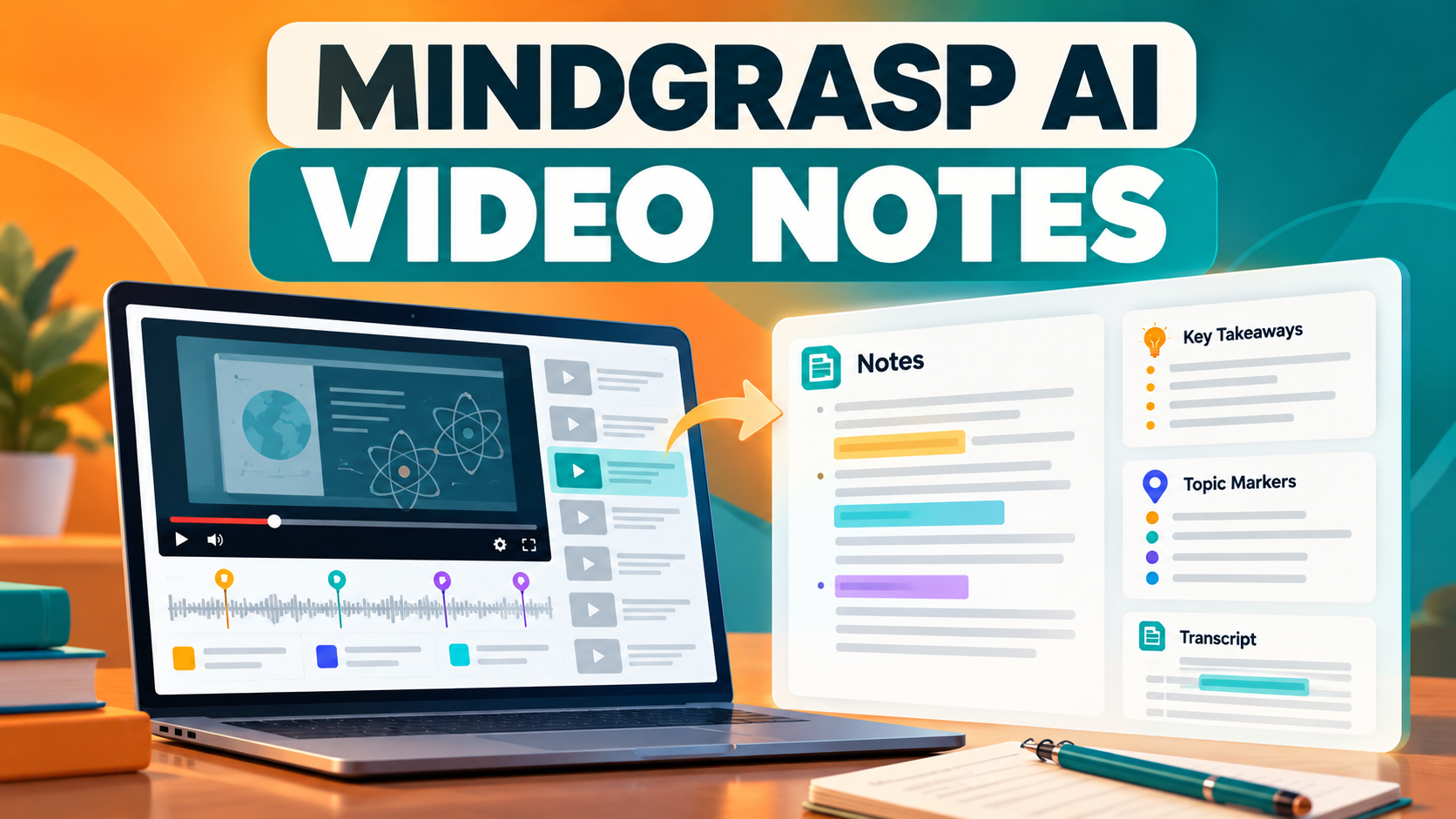
This Mindgrasp AI Video Notes review examines a focused use case: turning an educational video, recorded lecture, or YouTube link into organized notes. It complements the broader Mindgrasp AI review.
What the video notes workflow does
Mindgrasp can work from videos and links to create structured notes, summaries, flashcards, quizzes, and question-and-answer support. The value is reducing the time spent pausing a lecture to copy every point, while keeping the original video available for context.
How to use it responsibly
- Process one lecture or video at a time.
- Compare the notes with the video before using them for an exam.
- Mark timestamps or sections that need a second look.
- Turn important concepts into questions rather than only rereading notes.
Who it fits
It is useful for students catching up on lectures, professionals reviewing training, and learners working through long educational videos. It is not a substitute for attending, understanding, or checking source material—especially when a definition, formula, or instruction matters.
Buyer guidance
Test a representative video first. Check whether the notes identify the topics that matter, whether the source audio is clear, and whether your plan supports the amount of video you expect to process. Good notes should make review easier, not create a false sense of understanding.
Verdict
Choose this workflow when video is a major part of your study material and you want a faster route to organized review notes plus practice aids.