

Disclosure: This article contains affiliate links. If you choose to sign up through a link, this site may earn a commission at no additional cost to you.
This Mindgrasp AI Study Sessions review looks at the platform’s organizing idea: keep one topic’s files, notes, questions, and study aids together. See the main Mindgrasp AI review for the complete platform context.
What a study session organizes
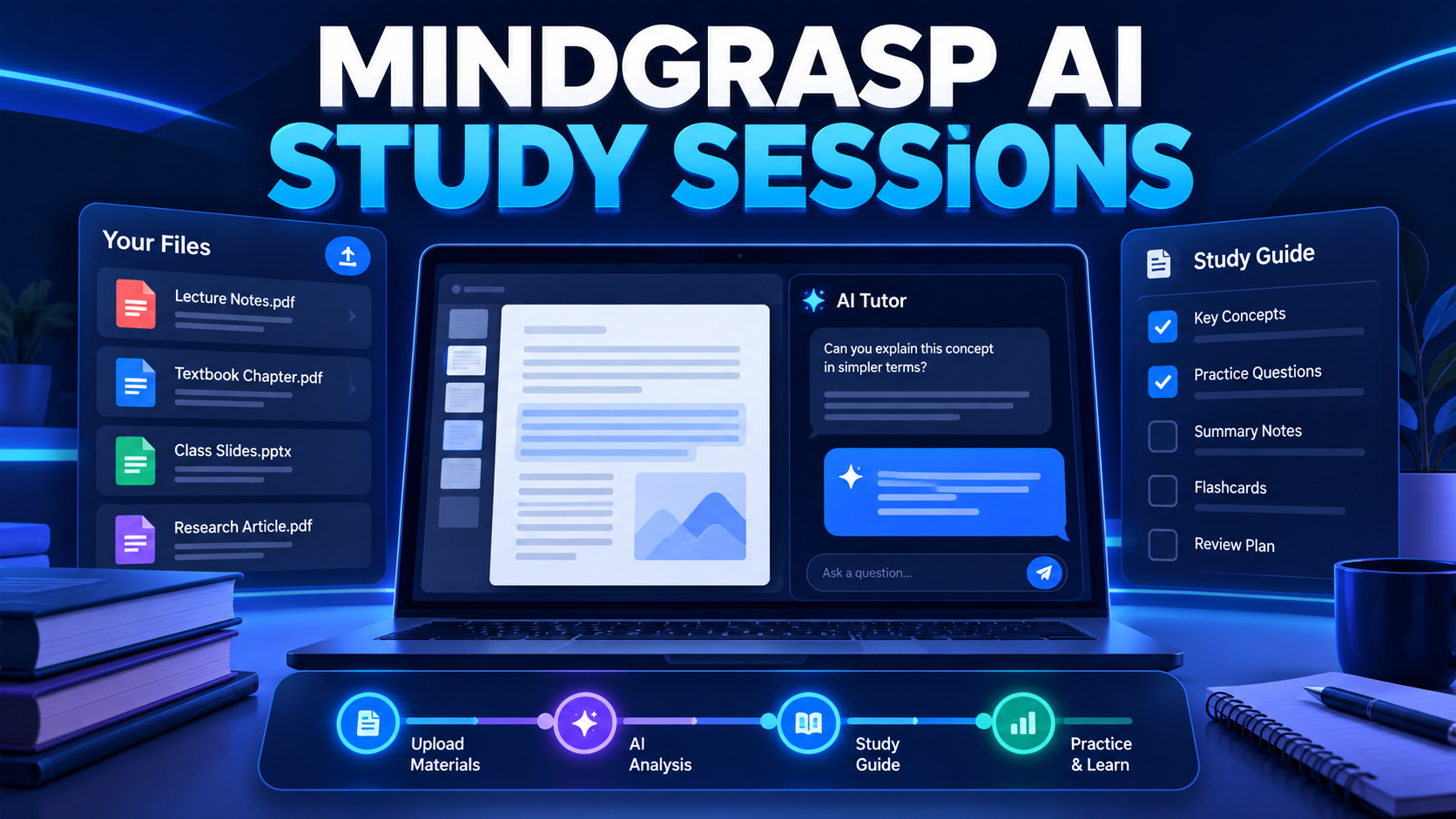
A study session can act as a dedicated workspace for one lecture, chapter, assignment, or exam topic. You add material, then generate notes, summaries, flashcards, quizzes, and questions around the same source. The benefit is context: your practice aids do not become disconnected from the material that created them.
A simple study-session method
- Create one session for a single topic or defined unit.
- Add the relevant source files or links.
- Generate a summary and check it against the source.
- Use flashcards and quizzes to find gaps.
- Ask focused questions, then return to the source for verification.
AI tutor and limits
An AI tutor can help explain a concept in different words or guide a review question, but its response should be checked against course material when accuracy is important. Do not use it to bypass academic rules or to submit generated work as your own.
Who should use it
This setup fits students who work across PDFs, slides, recordings, and web resources and want a consistent study workflow. Test it with one real topic before committing to a plan, and judge it by whether your review becomes clearer and more productive.
Verdict
Mindgrasp study sessions are a useful fit when you want one connected place for source material, study aids, and questions rather than a collection of disconnected tools.