

Affiliate disclosure: This article contains an affiliate link. If you purchase through it, we may earn a commission at no extra cost to you.
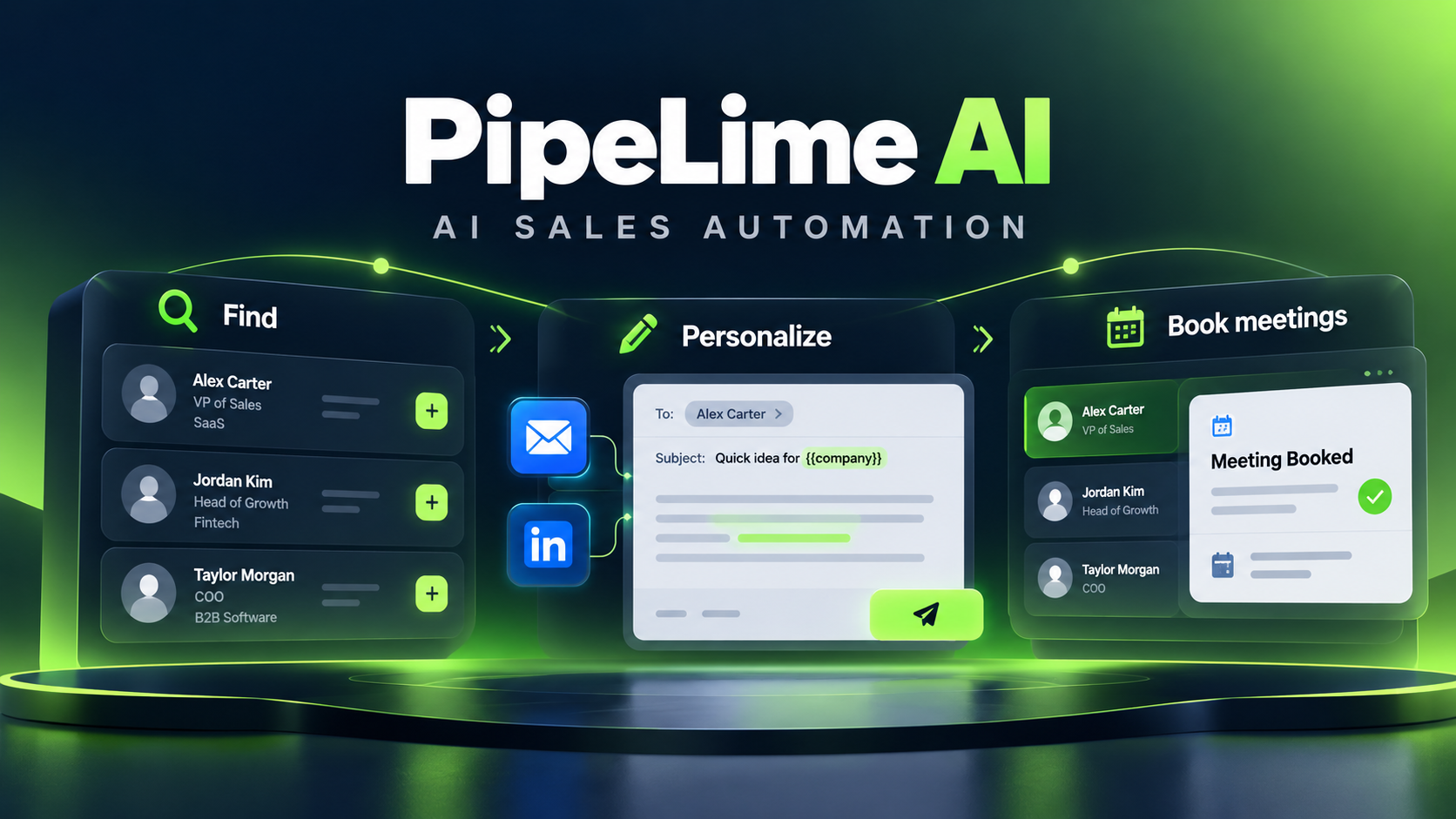
Lead generation software is useful only when it helps a team identify accounts worth contacting, the people who influence a purchase, and a responsible next action. PipeLime AI positions its platform around lead generation, decision-maker targeting, research, and multichannel outreach. This buyer guide explains how to evaluate that workflow without mistaking contact volume for pipeline quality.
Explore PipeLime AI’s current plans and product details →
Start with account fit, not a large list
Before opening any prospecting tool, define the ideal customer profile. Include industry, company size, geography, business model, technology environment, exclusions, and buying triggers. A list of companies that resembles your existing customers is more useful than a huge database with vague filters.
For example, a sales team selling to operations leaders at mid-market logistics firms should define what “mid-market” means, which regions it can serve, which systems signal a fit, and which account types should be excluded. Write these rules down before running searches. That makes it possible to judge whether the platform improves targeting or merely produces more records.
Decision-maker targeting needs role context
A senior title alone does not prove buying authority. In a typical B2B purchase, the economic buyer, day-to-day champion, technical reviewer, procurement contact, and final user may be different people. A sensible workflow looks for several relevant roles inside an account and maps each one to a credible reason for outreach.
PipeLime AI can be evaluated as a source of contact and research signals, but the team should validate samples before scaling. Check whether names match the company, whether current roles are accurate, whether the contact is likely involved in the use case, and whether the message acknowledges that person’s responsibilities. Human review matters most for strategic accounts and complex sales cycles.
A practical research-to-outreach workflow
- Build an account list: Use ICP filters to create a focused set of companies rather than searching every possible market.
- Identify a buying group: Look for the relevant executive, manager, technical stakeholder, and potential champion.
- Review research signals: Prioritize observable events such as expansion, hiring, a new initiative, or a public operational challenge.
- Verify contact data: Separate deliverable, risky, unknown, and invalid records according to the platform’s current definitions.
- Write a role-specific hypothesis: Explain why the account may care, then make the call to action small and relevant.
- Test gradually: Begin with a controlled batch, review quality and outcomes, and refine the filters before increasing volume.
How to measure quality
Do not judge a lead-generation workflow solely by the number of contacts it finds. Track account-fit rate, verified-contact rate, positive replies, qualified meetings, opportunities created, and pipeline contribution. Review performance by source, industry, role, segment, and message angle. If a campaign generates replies but few qualified conversations, improve the ICP or targeting logic instead of sending more messages.
It is also useful to compare what the platform reports with the data in your CRM. Decide who owns deduplication, how enrichment updates are handled, and when a record is allowed to enter outreach. Without those rules, a capable data tool can create duplicate contacts and unreliable reporting.
Questions to ask before subscribing
- Which account, company, role, and geography filters are available on my plan?
- How current is contact and company data, and how are updates handled?
- What credits are consumed by prospecting, enrichment, and verification?
- Can the platform export to or sync with my CRM without creating duplicates?
- What is included in research, personalization, and follow-up automation?
- How can contacts be suppressed after an unsubscribe, hard bounce, reply, or objection?
- Which privacy, retention, and compliance controls apply to our market?
Important limits
Data coverage varies by geography, company type, and seniority. Smaller firms and specialized markets may have sparse or outdated information. Verification can reduce obvious sending risk, but it cannot guarantee inbox placement or prove interest. Personalization based on a weak signal can also feel generic or intrusive. Use clear relevance, reasonable volume, and an easy way to opt out.
Integrations should be tested early. Confirm how PipeLime AI handles CRM fields, ownership, activities, calendar booking, and synchronization rules. A pilot with a small set of accounts exposes workflow issues before they affect the wider sales team.
Who should use it?
PipeLime AI is most relevant for teams that regularly build outbound lists, need a structured route from account research to outreach, and are willing to monitor data quality. A founder running a handful of highly researched accounts may get more value from a manual process. A growth team with defined segments and a CRM process is more likely to benefit from automation.
Where lead generation breaks down
The most common failure is starting with a broad database rather than a clear ideal customer profile. A platform can return thousands of names, but that does not mean the accounts have the budget, urgency, or operational problem your offer solves. Large lists also hide weak assumptions: a team may be targeting a job title when the real buying trigger is a funding event, a technology migration, a hiring pattern, or a specific operating model.
Use PipeLime AI to test hypotheses, not to bypass them. Build a small account segment around a specific business problem, review the company and contacts manually, then compare the results with a second segment. That process produces far better learning than changing every filter at once and treating lead volume as success.
Build an ICP that can be tested
A practical ICP contains observable rules. Define the company’s industry, employee band, revenue proxy if relevant, geography, customer model, and exclusions. Then add the signals that make outreach timely: expansion into a new region, a fresh hiring plan, a public product launch, a new executive, or a visible operational challenge. Avoid criteria that cannot be checked or explained by a rep.
Write down why each rule matters. If your product helps sales teams coordinate outbound work, a company with a growing SDR team might be a useful signal. If you sell a compliance product, a regulated market or an announced audit may be more important than headcount. This written reasoning creates a defensible filter set and makes it easier to refine the process when results arrive.
Map the buying group instead of one contact
Decision-maker targeting should acknowledge that B2B buying is rarely a one-person choice. The economic buyer is responsible for budget. A champion feels the daily pain and helps move the project forward. A technical reviewer checks implementation risk. Procurement and legal may influence the final process. A user can reveal whether the offer solves a real workflow problem.
For each target account, identify the likely roles and give each one a different reason to care. The first message to a revenue leader may focus on pipeline efficiency, while a sales-operations leader may care about data governance and CRM handoff. Generic personalization that only repeats a job title rarely earns a reply; role-specific relevance has a better chance.
Use research signals carefully
Research is valuable when it changes the reason for contact. A signal should be current, observable, and connected to the offer. A hiring page, public expansion announcement, new job description, investor update, product release, or leadership change can be a starting point. Do not stretch a weak observation into a dramatic claim about the prospect’s business. If the reason is uncertain, keep the message modest and ask a question rather than pretending to know the answer.
Teams should also avoid collecting personal information they do not need. The objective is to understand account fit and business context, not to create invasive profiles. Follow the privacy rules that apply to your region and ensure the outreach process gives recipients a clear and effective way to opt out.
Run a pilot before you automate
A good pilot is small enough to inspect but large enough to learn. Start with one ICP segment, a defined set of accounts, and a few buying roles per account. Review every contact and message before sending. Set a clear outcome threshold: for example, the percentage of accounts that fit, the number of positive replies, or the number of qualified meetings. Do not judge the pilot by opens alone.
During the pilot, test CRM and calendar handoff. Verify that account ownership, activities, notes, and stages appear in the right place. Check whether a reply stops follow-ups, whether a booked meeting is assigned correctly, and whether duplicate records are created. These operational checks often matter more than a feature list.
Data freshness, verification, and suppression
Contact data decays. People change jobs, companies merge, and titles evolve. Treat enrichment and verification as recurring maintenance rather than one-time preparation. Define when a record should be rechecked and which sources are trusted for updates. Separate clearly deliverable addresses from risky or unknown statuses, and do not send to contacts who have unsubscribed, hard-bounced, or asked not to be contacted.
Suppression should work across all connected tools. If a prospect replies or opts out in one channel, the CRM and outreach platform should reflect that outcome quickly. Confirm these rules in a test environment or a limited campaign before scaling. A reliable suppression process protects both the recipient experience and the sending domain.
Measure pipeline quality, not activity
Useful metrics include account-fit rate, contact accuracy, positive-reply rate, qualified-meeting rate, opportunity creation, conversion by segment, and pipeline influence. Break results down by source, industry, company band, role, signal, and message angle. A campaign with fewer replies may create better opportunities if the accounts are more suitable.
Activity metrics still have diagnostic value, but they should not be the goal. A high number of exported contacts or automated messages says little about whether the sales team is reaching the right buyers. If a segment produces many bounces, investigate data sources. If it produces delivered messages but no interest, revisit the ICP and proposition. If meetings do not turn into opportunities, check qualification and the handoff to account executives.
Questions for implementation planning
- Which filters and enrichment data are included in the selected PipeLime plan?
- How are credit costs calculated for contact discovery, verification, and research?
- Which CRM fields, activities, owners, and lifecycle stages can be synchronized?
- How are duplicates, stale records, replies, bounces, and unsubscribes handled?
- Can the team review and approve messages before automated sending begins?
- What reporting makes it possible to compare sources and account segments?
- What privacy, retention, and access controls apply to your market?
Bottom line for buyers
PipeLime AI can help connect account discovery, decision-maker research, verification, and outreach, but the results depend on the process wrapped around it. Start with a narrow ICP, treat research as evidence rather than decoration, map several buying roles, and test integrations before scaling. Automation should make a disciplined sales motion more consistent; it should not turn weak targeting into more noise.
Bottom line
PipeLime AI should be assessed as part of a complete sales process: good ICP definitions, accurate decision-maker mapping, verified contact data, thoughtful messaging, and disciplined measurement. It can speed up research and outreach, but it does not replace relevance or human judgement. For complete pricing and platform context, read our PipeLime AI review and buyer guide.