

Affiliate disclosure: This article contains an affiliate link. If you purchase through it, we may earn a commission at no extra cost to you.
Email verification is often sold as a simple answer to outbound risk: upload a list, remove bad contacts, and send with confidence. The reality is more useful—and more nuanced. Verification can reduce obvious address-quality problems, but it cannot prove that a prospect is relevant, interested, compliant to contact, or guaranteed to see your email in the inbox.
PipeLime AI presents verification as part of a broader sales workflow that includes prospecting, research, personalized outreach, and deliverability support. This guide explains what a B2B buyer should evaluate before relying on a verification status or increasing send volume.
Explore PipeLime AI’s current plans and product details →
What email verification is designed to do
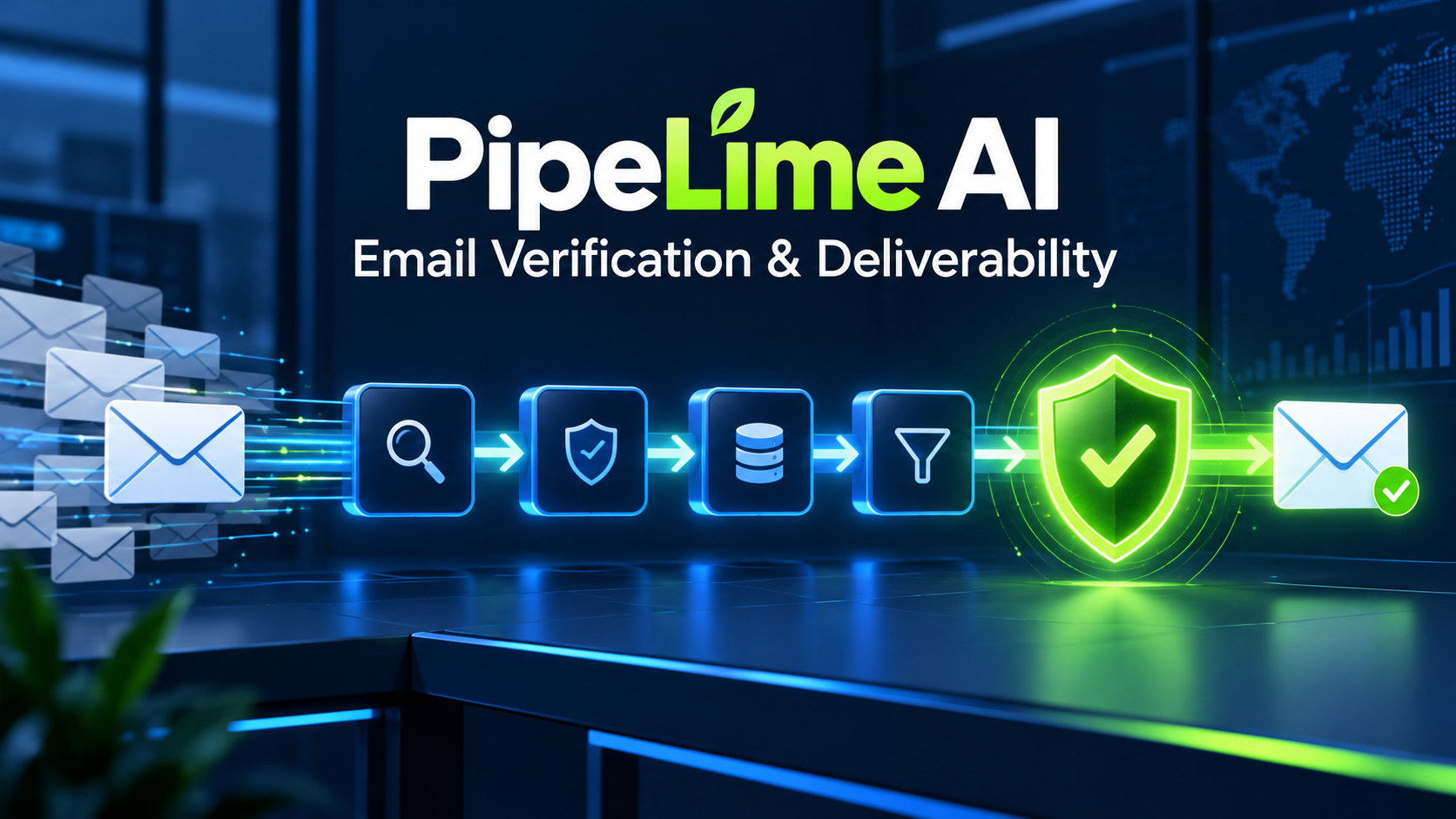
Email verification evaluates whether an address is structurally plausible and whether its destination domain appears able to receive mail. A useful workflow typically starts with syntax checks, then assesses the domain and mail-routing records, and may attempt server-level checks. PipeLime describes checks such as syntax, domain and MX records, SMTP, catch-all detection, role-address and disposable-address filtering, and retries. Treat each result as a risk signal rather than an absolute promise.
A valid-looking address can still be wrong for your campaign. A mailbox can accept email while belonging to an inactive user, a person outside your target account, or someone with no need for your offer. Good data hygiene therefore begins before verification: with account fit and responsible targeting.
Why it matters before outreach
Bad data wastes prospecting credits, creates hard bounces, harms sending-domain reputation, and makes campaign metrics misleading. If one segment has a high hard-bounce rate, your reporting can overstate the opportunity in that segment while your domain reputation deteriorates. A verification stage creates a cleaner starting point and helps a sales team decide which records deserve careful review, limited tests, or exclusion.
It also supports better operations. When verified data flows into a CRM with clear rules, reps spend less time chasing duplicates and managers can compare source quality more honestly. The value is not merely a lower bounce rate; it is a more reliable process for deciding who should enter an outreach sequence.
The checks a buyer should understand
Syntax and domain checks
Syntax checks look for malformed addresses. Domain checks determine whether the domain exists and whether it has the records usually associated with receiving mail. These steps eliminate obvious errors, but they are only a first screen. They do not show whether a named mailbox is active or whether an individual is still employed at the company.
Mail-exchange and server checks
MX records identify where a domain expects mail to be delivered. Some verification systems then attempt an SMTP-level conversation with the destination server. Results can be influenced by temporary server behavior, privacy protections, rate limits, and anti-abuse defenses. A platform may therefore return a cautious status rather than declare an address good or bad. That caution is appropriate.
Catch-all domains
A catch-all domain may accept email sent to many possible local parts, even when a specific person’s mailbox does not exist. This makes technical verification less conclusive. A catch-all result should not automatically be treated as safe for high-volume outreach. Put such addresses in a smaller test segment, add extra research, or exclude them according to a documented risk policy.
Role and disposable addresses
Role accounts such as info@, support@, or sales@ can be legitimate business channels, but they rarely prove that you have identified a decision-maker. Disposable domains may be useful for temporary registration but are often poor targets for B2B outreach. Review how your plan labels these addresses and decide whether they are appropriate for your message and compliance obligations.
Verification is not deliverability
This distinction is essential. Verification assesses an address; deliverability concerns whether a message reaches the intended inbox. Deliverability depends on authentication, sending-domain reputation, IP or provider reputation, message relevance, content, volume, engagement, complaints, and how recipients react. A list can be technically clean while still producing poor inbox placement if the messages are generic or the sending infrastructure is unhealthy.
PipeLime states that it supports warm-up and deliverability workflows. Buyers should confirm the current plan limits, mailbox setup, reporting, and sending controls in the live product. No responsible tool can promise inbox placement. Use verification as one component of a larger program that includes domain authentication, gradual volume increases, relevant messaging, and continuous measurement.
A practical pre-send workflow
- Define the ICP first. Filter accounts by industry, size, geography, technology, trigger events, and exclusions before you acquire contacts.
- Map the buying roles. Decide whether you need an economic buyer, champion, technical reviewer, user, or procurement contact. A valid inbox is not automatically the right inbox.
- Verify and classify records. Separate deliverable, risky, catch-all, unknown, invalid, role-based, and disposable contacts using the platform’s current definitions.
- Review a sample manually. Check names, seniority, company alignment, and research signals. Manual spot checks reveal problems that a status label cannot.
- Suppress unsuitable records. Do not send to invalid addresses, previous unsubscribes, hard bounces, or contacts that should be excluded by your policy.
- Start with a small controlled batch. Monitor hard bounces, complaints, replies, and qualified meetings before increasing volume.
- Feed the outcome back into the process. If a source or segment performs poorly, improve the targeting rules instead of sending more email.
How to handle uncertain outcomes
Unknown does not always mean invalid. A receiving server may be temporarily unavailable or configured to limit verification attempts. Similarly, a risky result is not a license to ignore caution; it is an invitation to segment the contact differently. Teams should document how each status will be treated before campaigns are launched.
One sensible policy is to send normally only to clearly deliverable, relevant, consent-appropriate contacts; test catch-all or unknown contacts only in lower-risk batches; and suppress invalid or prior-bounce records. The exact thresholds depend on your sending infrastructure, market, and risk tolerance. The key is consistency: sales reps should not override safeguards without a clear business reason.
Metrics that matter
Track more than the number of addresses marked valid. Useful metrics include hard-bounce rate, soft-bounce rate, complaint rate, unsubscribe rate, positive-reply rate, meeting-booked rate, qualified-opportunity rate, and pipeline created. Compare results by data source, industry, title band, account segment, and message angle.
For example, a segment with excellent technical deliverability but no positive replies may have a relevance problem, not a verification problem. A segment with high hard bounces may signal stale data, weak enrichment, or poor suppression rules. Reviewing those patterns turns verification from a checkbox into a feedback loop for your entire outbound system.
Data quality and CRM governance
Before you automate imports, decide who owns deduplication, field mapping, record updates, and suppression. Confirm whether verification results are written back to the CRM, whether they overwrite existing values, and how often a record is rechecked. Include source information so your team can identify which list-building process produced the best outcomes.
Also test the workflow around replies and opt-outs. A contact who replies, objects, unsubscribes, or hard-bounces should not continue receiving automated follow-ups. Verify that PipeLime AI and your connected tools have clear suppression behavior, and test it in a small pilot before using it across a large account list.
Questions to ask PipeLime before buying
- How are credits consumed for verification, enrichment, and retries?
- What do valid, risky, catch-all, unknown, invalid, role, and disposable statuses mean in the current interface?
- Which checks run in real time and which run in batches?
- How are temporary failures and retry logic handled?
- What sending, warm-up, and deliverability features are included on my plan?
- Can the workflow stop or suppress contacts after an unsubscribe, hard bounce, reply, or objection?
- How does data sync with the CRM, and how are duplicate records handled?
- What retention, privacy, and compliance controls apply in our market?
Common mistakes to avoid
The first mistake is treating verification as a permission slip for mass outreach. Technical deliverability does not replace relevance, consent assessment, or an easy opt-out. The second is sending all categories at the same rate. Catch-all and uncertain records deserve different treatment from clearly deliverable contacts. The third is optimizing for a vanity metric such as list size. A smaller, well-targeted list often generates more qualified conversations than a large unreviewed database.
Another mistake is failing to protect the sender domain. Authentication, gradual ramping, clear identity, honest subject lines, and useful messages are fundamental. When a campaign performs badly, do not assume the verifier is at fault. Review the audience, value proposition, technical setup, volume, and feedback signals together.
Who benefits most?
Teams with recurring outbound programs, several data sources, or an active sales-development function gain the most from an integrated verification step. It is especially useful when different people collect leads and another group sends campaigns, because shared status definitions reduce confusion. A founder working a handful of strategic accounts may benefit more from manual research and a carefully written outreach process than from a large automated list.
Bottom line
PipeLime AI’s email verification capability is worth testing when it supports a disciplined process: targeted accounts first, relevant decision-makers second, verified addresses third, and controlled sending after that. It can reduce preventable data-quality risk, but it cannot replace relevance, responsible sending infrastructure, or human judgement. For full platform context, pricing considerations, and the wider sales-automation workflow, see our PipeLime AI review and buyer guide.